🔔 Tap "Install" and Go to Home Screen
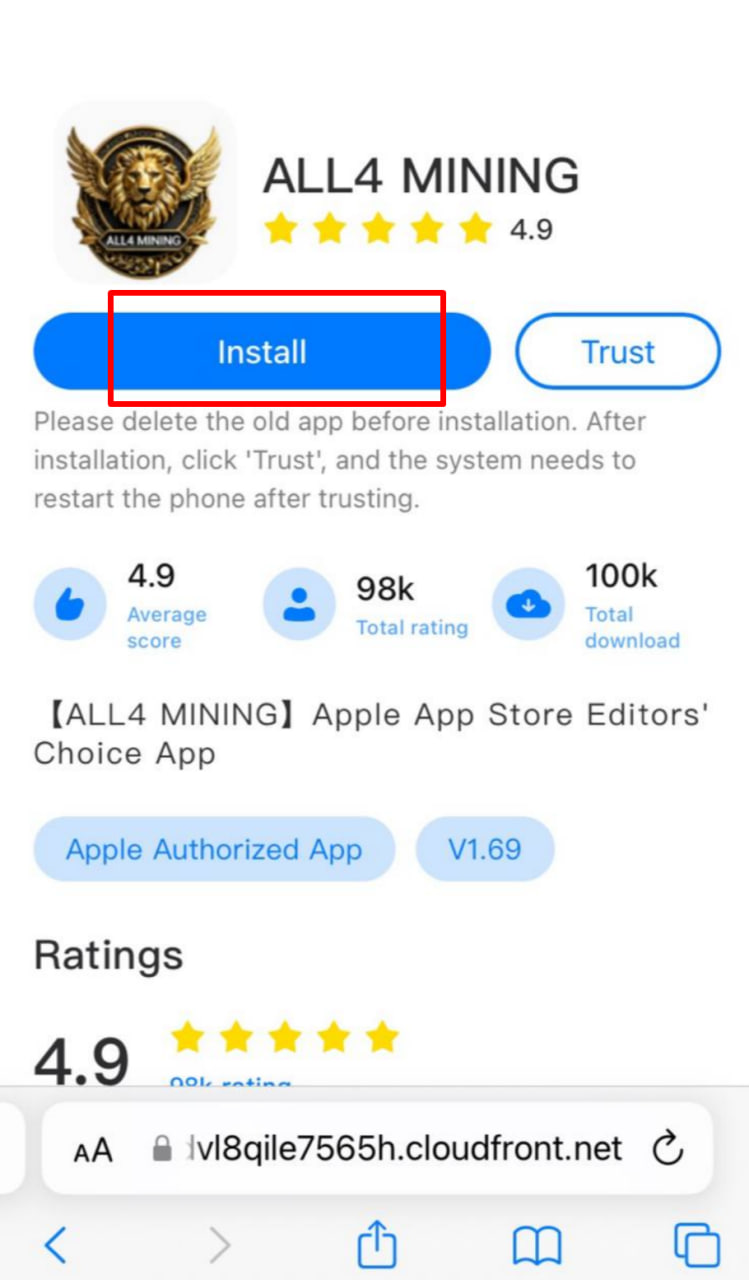
Tap the blue "Install" button on the webpage.
If a pop-up appears asking "Want to install...", tap "Install" again.
Press the Home button or swipe up to return to your iPhone's Home Screen. You will see the app icon downloading (grayed out with a progress circle, or showing "Waiting...").
🔔 Go to Settings to Trust the Developer
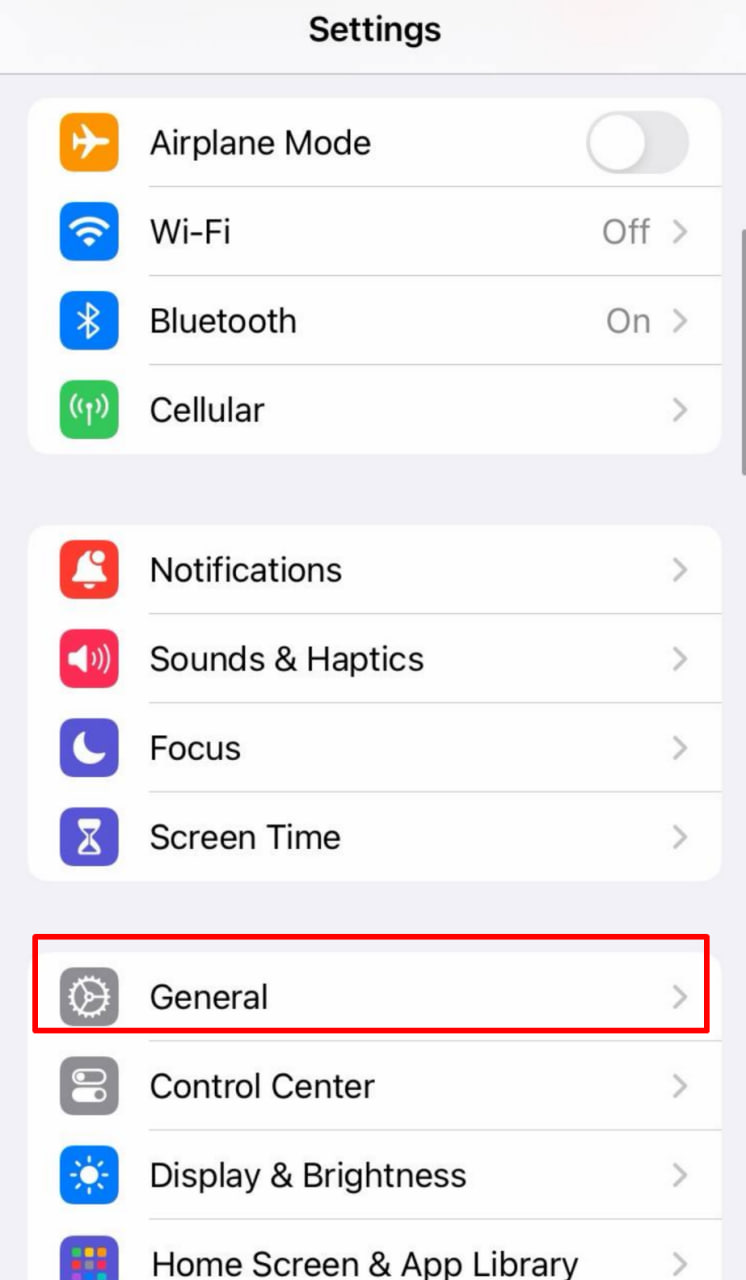
Open your iPhone's Settings.
Tap General.
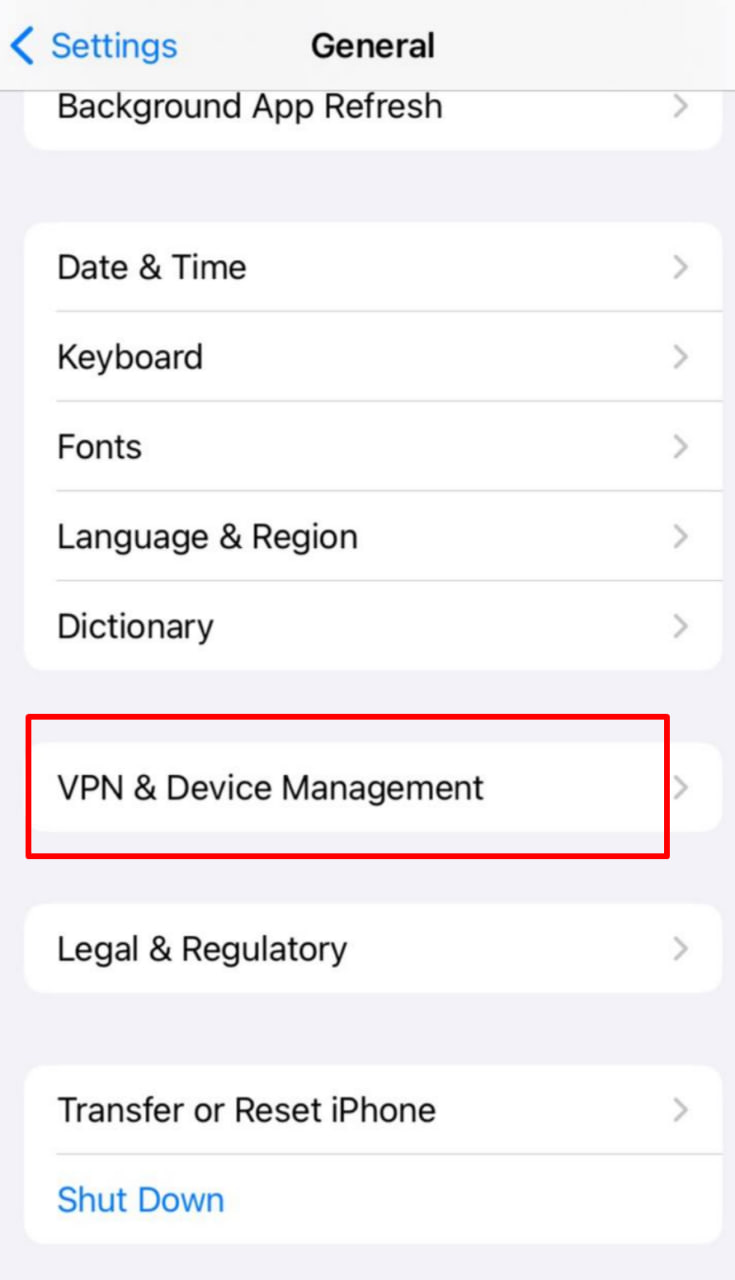
Scroll down and tap VPN & Device Management (on older iOS versions, this is called "Profiles & Device Management" or "Device Management").
🔔 Complete the Trust Process
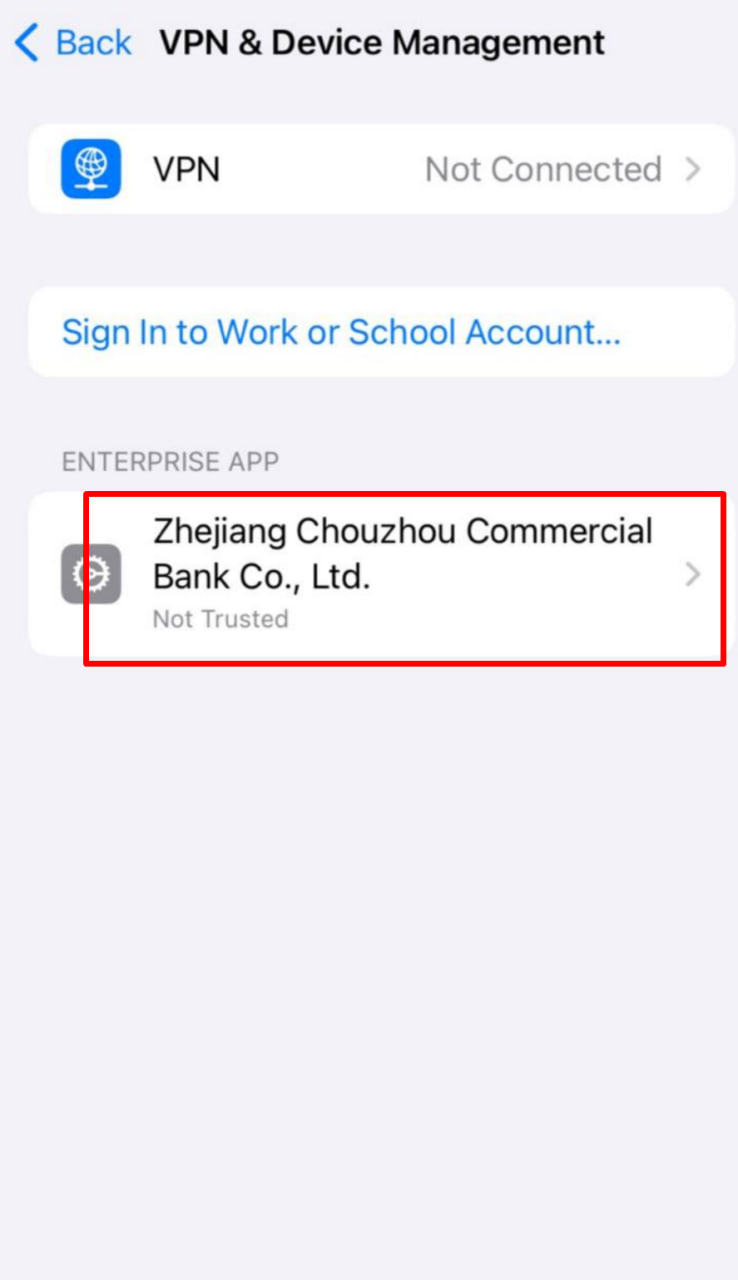
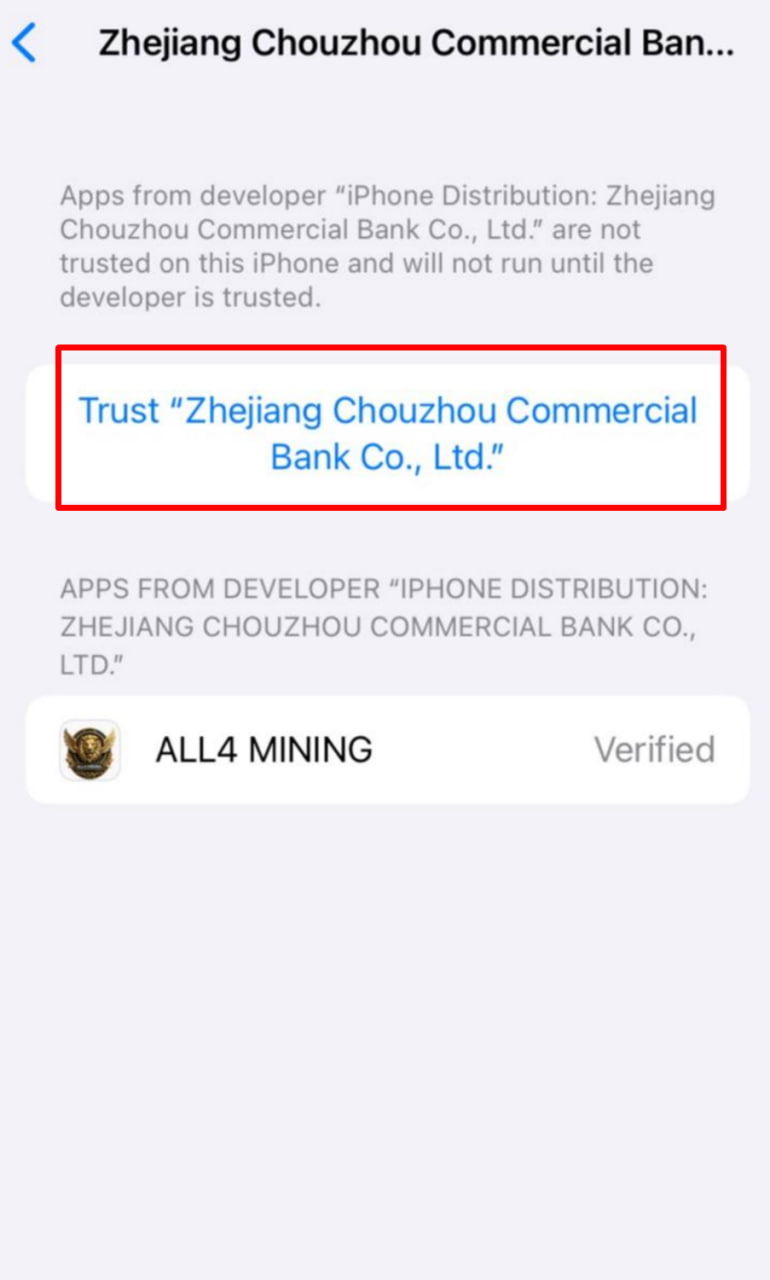
Under the "Enterprise App" section, you will see the developer name for the app you just installed (e.g., ALL4 MINING or a related company name from your screenshot).
Tap on that developer name.
Tap the blue "Trust" button.
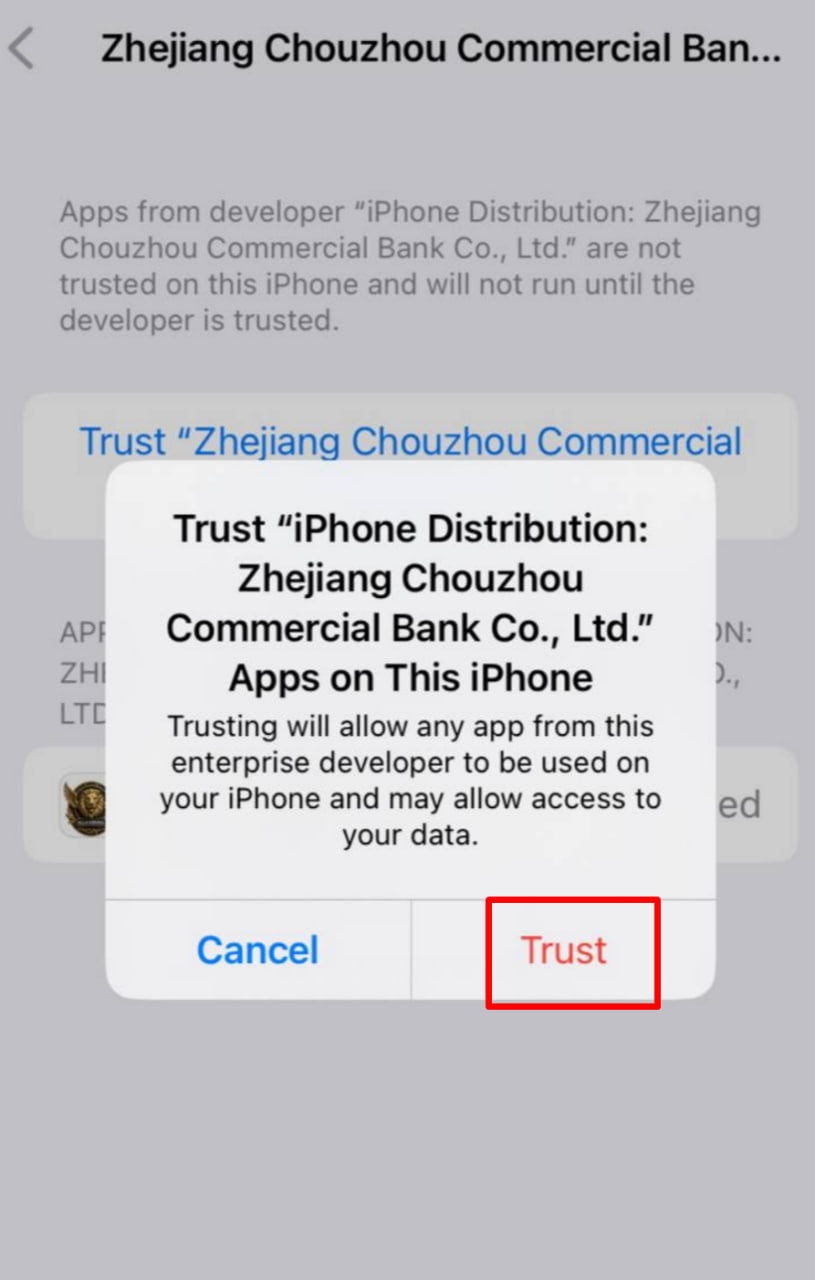
When the confirmation pop-up appears, tap "Trust" again.